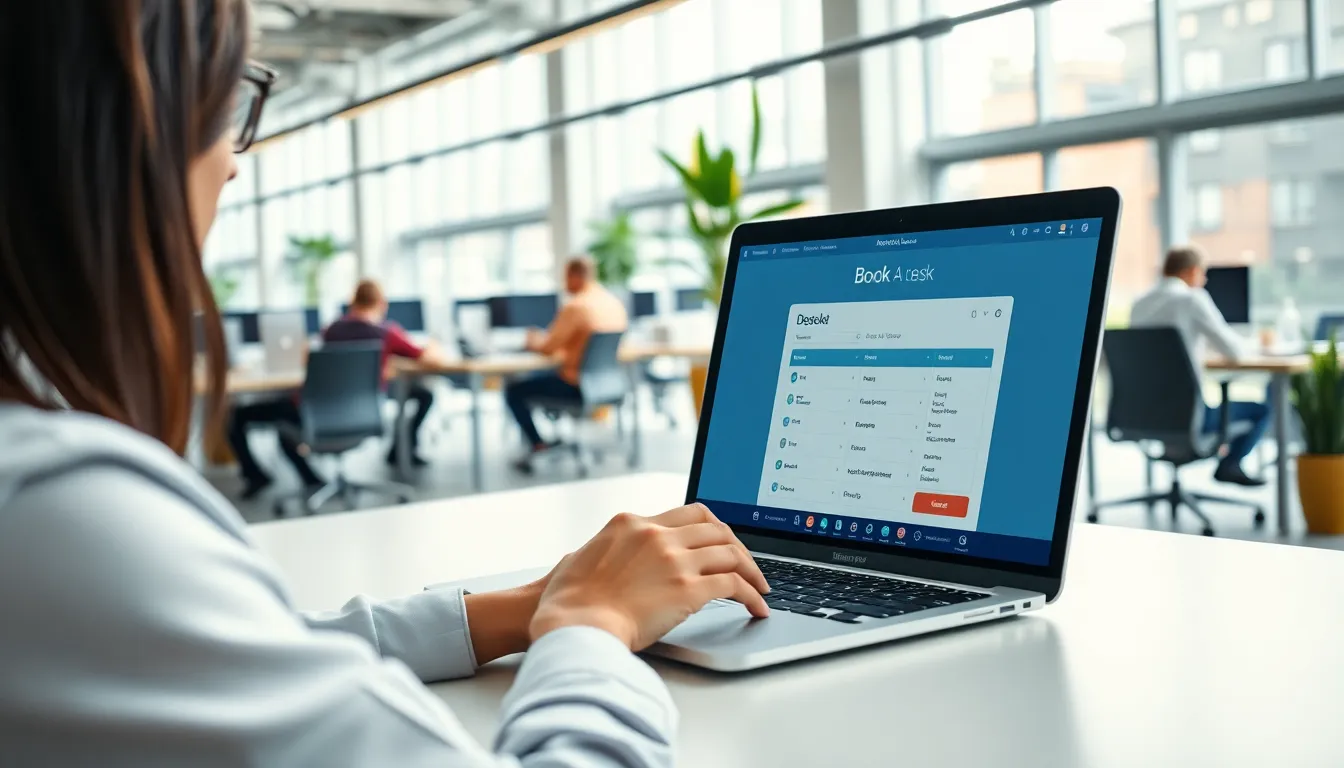
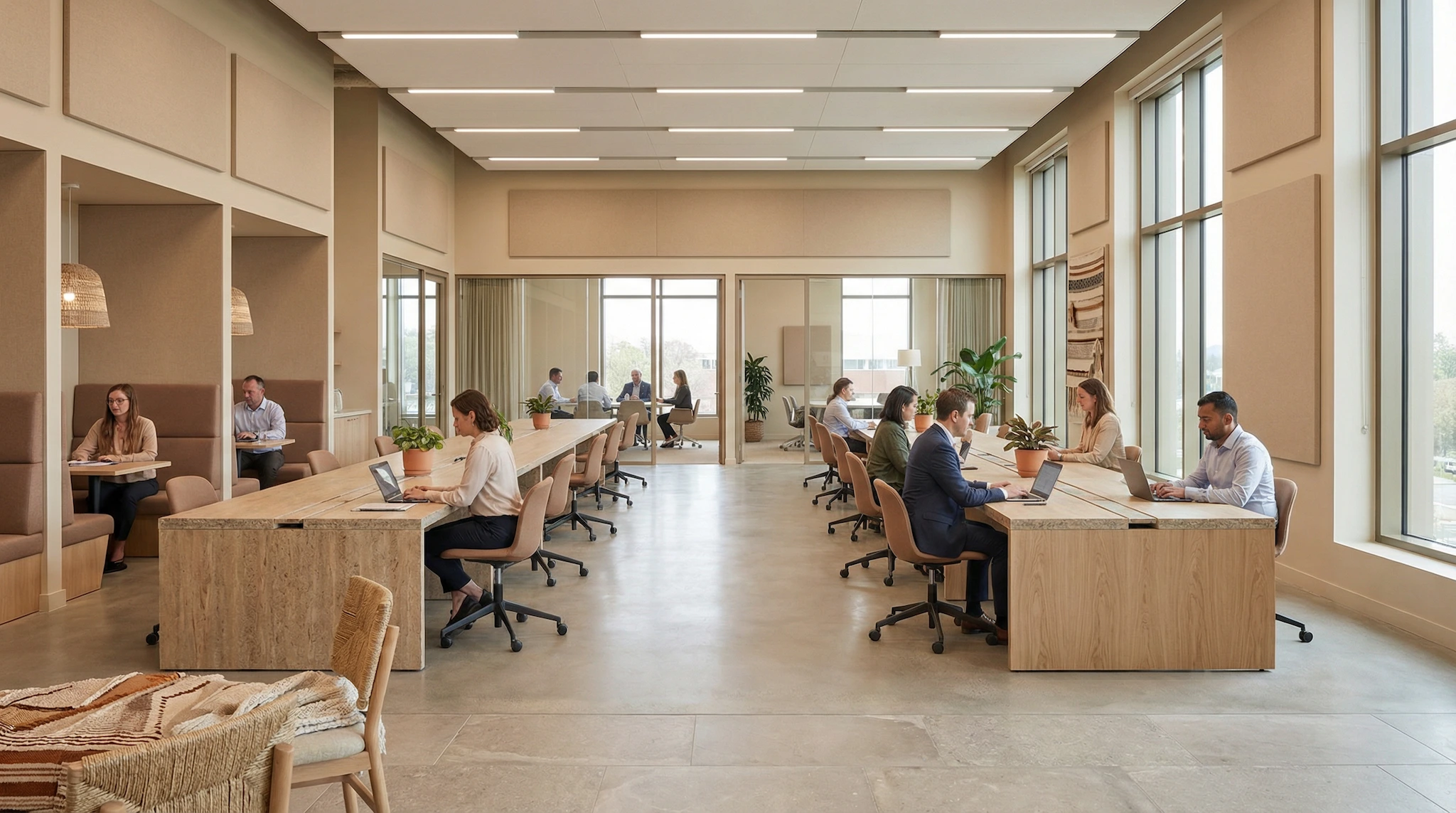
If your job involves managing who uses what in your organization, you probably know this scramble: a spreadsheet for meeting rooms, a WhatsApp group for the company car, a paper sign-up sheet taped to the equipment closet, an email thread arguing over the last parking spot. None of these tools talk to each other. None of them were built for the job. Office resource booking software fixes that: one place to reserve, track, and manage everything bookable in the building, from the conference room to the projector to the van.
It matters more than it looks on paper, because the person running this is rarely a specialist. A receptionist, an office manager, a school administrator, a town hall employee: nobody in these roles signed up to become an expert in four different booking tools. The real win isn’t one clever feature. It’s one login, one calendar, one set of rules, covering every resource the organization owns.
Why one tool for every resource beats five separate ones
Most organizations start with a tool for meeting rooms, because that is the most visible pain point. You can read our comparison of the best meeting room booking software if that is where you are starting. But rooms are rarely the only thing people fight over. Equipment gets double-booked. The one shared car disappears for a day with no record of who took it. Visitor parking fills up by 9 a.m. with no way to reserve a spot in advance.
With SpotBooker, each organization creates its own categories: meeting rooms, desks and workstations, vehicles, equipment, parking spots, sports courts, kitchens, or anything else that needs to be shared. Each category keeps its own fields, so a meeting room tracks capacity and available equipment, while a vehicle tracks whatever details matter to your team. Honestly, if you only manage one room, you don’t need any of this — a shared calendar on the wall will do fine. The categories start to matter the moment you’re juggling more than one kind of resource.
The result is one administrator managing one system instead of five uncoordinated ones, and one habit for everyone else: open the booking page, pick the resource, reserve it.
A school: sports courts, equipment, and the minibus
A secondary school has a gym, a sports field, a set of laptops for loan, and a minibus used for trips. Before switching to shared booking software, the PE department tracked the gym on a whiteboard and the laptops went out on an honor system. The minibus key hung on a hook. No log of who had it, or when it would come back.
With everything set up as resource categories in the same tool, a teacher books the gym for third period, a colleague reserves five laptops for a class project, and the office staff reserve the minibus for a field trip, all from the same calendar. The school can set a validation step so that only an administrator approves minibus bookings, while gym bookings for teachers go through automatically. If a teacher forgets to show up to a booked classroom slot, the automatic release frees it after a few minutes so another class can use it instead of finding it marked as taken and sitting empty.
For smaller internal rooms, staff can also check availability and layout options; our guide on meeting room layouts and planning basics is a useful companion for schools setting up shared teaching spaces.
A town hall: rooms, vehicles, and visitor parking
A town hall deals with an even wider mix: council chambers, meeting rooms for public consultations, service vehicles shared between departments, and a limited number of parking spots for staff and visitors. Before centralizing, each department managed its own corner of the problem. Nobody at facilities had the full picture of who was using what.
Putting rooms, vehicles, and parking spots into the same booking system gives the town hall a single public booking page where residents can see when the council chamber is free, and a separate internal view where staff reserve a shared van for a site visit or a parking spot for the day. Guests attending a public meeting can book a seat or check the public calendar without needing an account, and cancel their own booking if their plans change.
Recurring bookings help too. A weekly council meeting, or a recurring maintenance run with the service vehicle, gets set up once, with control over which roles are allowed to create recurring bookings so the calendar doesn’t get cluttered by one-off requests. For more detail on how a dedicated reservation workflow can work for public-facing rooms, see our overview of a full meeting room reservation system.
A small or mid-sized business: desks, rooms, and the company car
A growing company with forty employees has a few meeting rooms, a handful of hot desks for employees who come in occasionally, one company car for client visits, and a small parking lot that can’t fit everyone. Managing all of this by email creates constant friction: someone books the car for the same afternoon as a client meeting that needed a parking spot, and nobody notices until both people show up at once.
Resource booking software removes that friction by putting the car, the desks, the rooms, and the parking spots on the same shared calendar, with booking limits capping how many hours or bookings a person can make in a given period, and a late-cancellation deadline so no-shows don’t block a resource all day. A QR code on each resource, a desk, a parking spot, a meeting room door, lets people check in with a quick scan, confirming they actually showed up. If nobody checks in within the configured minimum duration, the booking is automatically released and the resource becomes available again, with an email notice to the person who booked it.
For companies that want to go deeper on meeting room setup and recurring no-show problems, our articles on reducing meeting room no-shows and QR code check-in for room booking cover this in more detail.
The features that make multi-resource booking actually work
Covering every resource category in one tool only works if the underlying features hold up. A few are worth calling out specifically.
Interactive floor maps. An administrator draws the layout of the office, the parking lot, or the building, and people book by clicking directly on the plan rather than scrolling through a list. This also works on the public booking page, so guests can pick a spot visually.
Approval workflows. Some resources, like the company car or a specific meeting room, might need a manager’s sign-off, while others can be booked freely. Approval can be set per resource or resource group, with multiple approval levels and exempt user groups for people who shouldn’t need sign-off. Pending requests that never get answered expire automatically on paid plans, so nothing sits in limbo.
Reminders and automatic release. Email reminders go out before a booking starts, with a delay you control. If someone forgets to check in, the automatic release frees the resource for someone else after a short grace period. That alone keeps rooms, cars, and equipment from sitting reserved but unused.
User groups and rules. Different departments or teams often need different rules. User groups let you control who can access a resource group, who needs approval, and who must check in, without manually managing permissions person by person.
Statistics and calendar sync. An administrator can track booking volume, who is booking the most, occupancy rate, check-in rate, no-show rate, and the busiest time slot, with CSV export for further analysis. Everyone else can subscribe to a personal or resource-specific iCal feed, read-only, so their bookings show up automatically in Google Calendar, Outlook, or whatever calendar app they already use.
Import and sign-in. Administrators can import existing users, with invitations sent automatically, and import existing bookings with a preview before confirming, including a direct import from a Skedda export for organizations switching tools. Everyone can sign in with Google or Microsoft, and organizations using Microsoft Entra ID can set up single sign-on with group matching, so access rules follow existing company groups.
All of this runs as a web app that works in a phone browser, with no app to install. The interface is available in French, English, Spanish, and Portuguese, which matters for organizations with staff who prefer different languages.
Getting started without overcomplicating things
You don’t need to set up every resource category on day one. Most organizations start with the resource that causes the most friction, usually meeting rooms, then add vehicles, equipment, or parking spots once the team is comfortable with the basic workflow. If you’re comparing dedicated room tools first, our best meeting room booking software comparison is a good starting point before expanding to other resource types.
On pricing, SpotBooker starts at 39 per month, or 390 per year, which includes five resources and one floor map. Additional resources cost 3 per month each (30 per year), and an additional floor map costs 30 per month (300 per year). Starting small with just a few rooms and scaling up as you add vehicles, equipment, or parking spots doesn’t require switching tools or re-training staff.
One booking system for rooms, equipment, vehicles, and parking
SpotBooker lets you set up custom categories for meeting rooms, desks, vehicles, equipment, parking spots, and more, each with its own fields and rules. Interactive floor maps, QR code check-in, automatic release of no-shows, approval workflows, recurring bookings, and a public booking page for guests all work the same way across every resource type, with statistics and calendar sync built in.