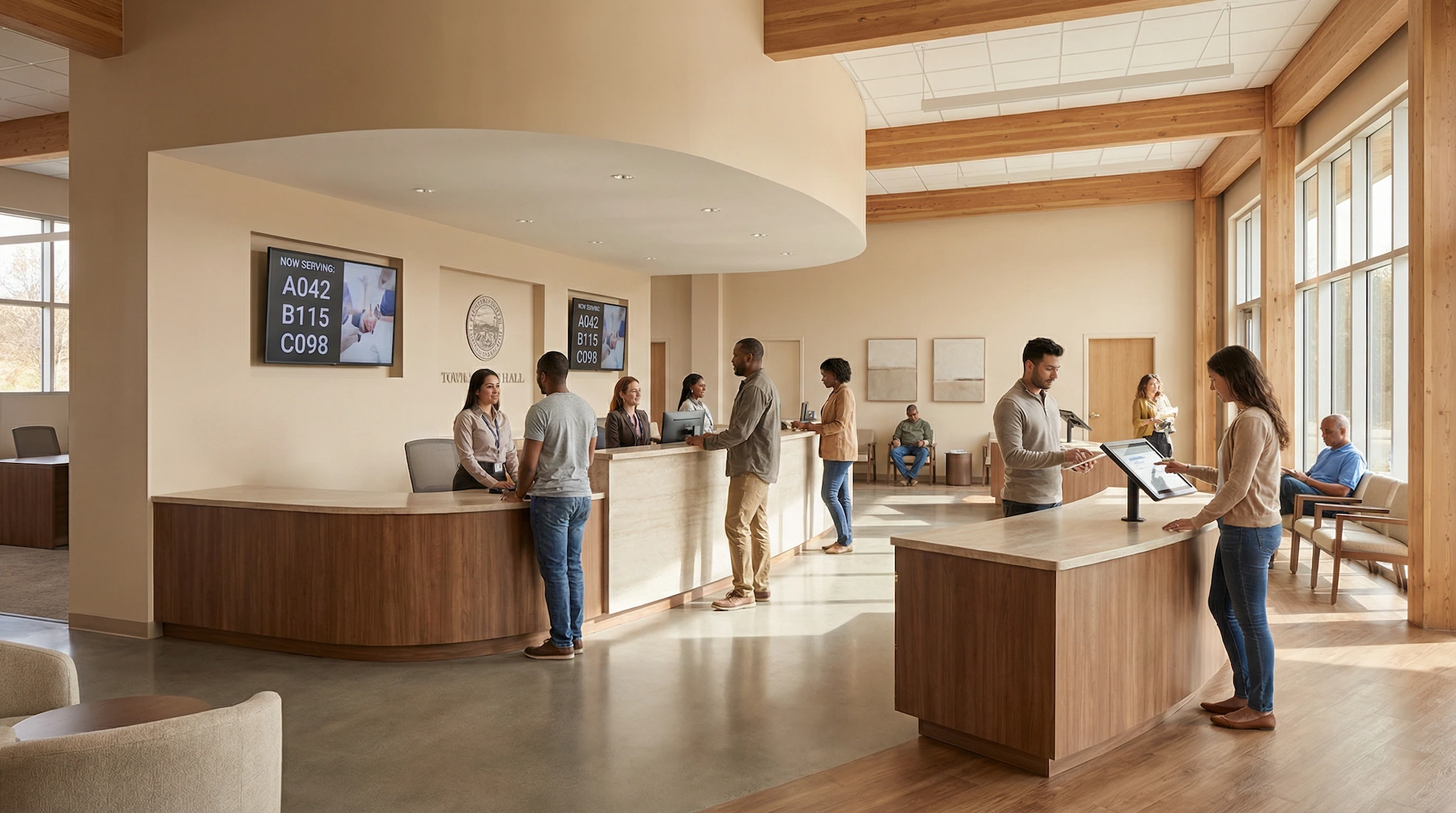

A meeting room shows as booked on the calendar. Nobody’s inside it. The person who reserved it got pulled into another call, forgot the meeting entirely, or didn’t need the room anymore and never bothered to cancel. Multiply that by a week, and you get a building full of rooms that look busy on paper and sit empty in practice.
A reminder sent shortly before the booking starts fixes a surprising amount of this. Not all of it. But enough that it’s worth setting up properly.
If you’re the one responsible for shared spaces — front desk, office manager, school administrator, town hall receptionist — you don’t need a new process. You need the booking tool to nudge people at the right moment on its own, without you tracking every reservation by hand.
Why people forget their own bookings
Most no-shows aren’t bad faith. Someone books a room three weeks ahead for a project kickoff. Then the calendar fills up with other things, and the booking just slips their mind. Or a meeting moves to a colleague’s desk at the last minute, and nobody thinks to free up the room that was reserved for it.
This happens a lot in organizations where booking a room isn’t anyone’s actual job. In a small or mid-sized company, whoever manages the shared calendar is usually also handling office administration, reception, or HR tasks. In a school, it’s often an assistant principal or an administrative staff member juggling a dozen other responsibilities. In a town hall, the person in charge of allocating rooms for council meetings, resident associations, and public events rarely has time to double-check every booking by hand.
A reminder closes that gap. Nobody has to monitor a calendar. The message simply reaches the person who booked the room shortly before the meeting, so it stays on their radar.
How reminder timing works
In SpotBooker, reminder emails go out automatically before a booking starts, and the delay is configurable by the organization. Want reminders sent earlier in the day, so people have time to reorganize if needed? Set a longer lead time. A school that only needs a quick nudge right before a class uses the lab can set a shorter one instead.
The reminder itself states which resource was booked, when, and by whom. The recipient knows immediately what it’s about and can act: show up, cancel, or hand the room to someone else. No digging through the inbox for the original confirmation.
Picture a town hall managing a council chamber, a few meeting rooms for resident associations, and a couple of event spaces. Bookings come from elected officials, municipal staff, and external associations, each with very different habits. Without reminders, the receptionist used to field calls asking “is the room free, I thought we had it booked” right as a double-booking surfaced. With automatic reminders going out, people check their booking before the day arrives, and mix-ups get caught earlier.
Reminders plus check-in: catching the no-shows that slip through
A reminder cuts down how often a meeting gets forgotten. It doesn’t eliminate every no-show, though. Plans still change after the reminder lands. That’s where check-in and automatic release come in.
Each resource can carry a QR code. The person who booked it scans the code on arrival to confirm they’re actually using the room. Nobody checks in within the configurable window after the booking starts? The reservation cancels automatically, the room opens back up, and the person who booked it gets an email saying their slot was released.
For a small or mid-sized company, this matters most in open spaces where meeting rooms are scarce. An employee gets the reminder, realizes the meeting moved to a different room, and doesn’t bother checking in. A few minutes later the room releases itself instead of staying locked for a meeting that will never happen, and a colleague who needed it on short notice grabs it from the public booking calendar.
Schools see the same benefit with shared spaces: a science lab, a sports hall, a meeting room used by different teaching teams throughout the day. A teacher who reserved the lab for an activity that got cancelled, and ignored the reminder, won’t block the room for the rest of the afternoon. Check-in and automatic release take care of it.
Our guide on reducing meeting room no-shows goes deeper into this mechanism, including how the check-in window and release delay interact.
Reminders across recurring bookings and resource groups
Reminders aren’t limited to one-off meetings. A weekly staff meeting, a monthly board session, a recurring booking for a shared vehicle or piece of equipment: each occurrence gets the same reminder treatment. This matters because recurring bookings are exactly the kind people stop paying attention to after a while. The fifth occurrence of a standing meeting is the one most likely to get forgotten. A reminder keeps it visible.
The delay doesn’t have to be the same for every resource. SpotBooker lets you adjust it by organization, by resource group, or by individual resource. A town hall might want a longer lead time for the council chamber, where setup takes a while, and a shorter one for a small room used for quick resident appointments. A company might want more notice for a shared vehicle that has to be picked up from a specific parking spot, and less for a desk booked for an hour.
Honestly, this level of control matters because not every resource behaves the same way. A conference room used for client meetings carries different stakes than a sports field booked by an association for a weekend practice. Letting each resource group carry its own reminder setting means you’re not forcing one rule onto spaces that don’t share the same rhythm.
Choosing a booking tool that gets reminders right
Not every booking tool treats reminders as a real feature. Some send a confirmation at the moment of booking and nothing after that, which leaves the forgetting problem untouched. Others send a single fixed reminder with no way to adjust timing, which doesn’t fit every resource or organization.
When you compare options, check whether the reminder delay is configurable, whether it works for recurring bookings, and whether it connects to check-in and automatic release. A reminder on its own only reduces the problem. Reminder plus check-in actually recovers the room.
Our breakdown of the best meeting room booking software walks through what to look for beyond reminders, including approval workflows and public booking pages for guests. Setting up a system from scratch? Our guide on building a meeting room reservation system covers the broader setup, from defining resource categories to configuring booking rules. If QR codes and check-in are new to you, our article on QR code check-in for room bookings explains how scanning a code at the door ties into the whole process. And for the day-to-day side of running shared spaces once the system is in place, see our notes on meeting room management best practices.
A reservation reminder looks like a small detail. In practice, it’s one of the cheapest ways to make a shared calendar trustworthy again. People stop double-checking whether a room is “really” free, because the system already nudged whoever booked it before the clock started.
Fewer forgotten bookings, fewer empty rooms
SpotBooker sends automatic reservation reminder emails before each booking, with a delay you can adjust by organization, resource group, or individual resource. Combined with QR code check-in and automatic release for bookings nobody confirms, it keeps your rooms, vehicles, and equipment available for the people who actually need them, including recurring bookings and resources managed by different groups with their own rules.